- 01
Open a terminal. cd services/api, go run ./cmd/api - 02
New tab. cd apps/web, pnpm dev - 03
New tab. docker compose up postgres, wait for it - 04
Restart the api, because it started before the database - 05
New tab. The worker. Which directory was it again? - 06
Scroll four tabs to find the one that crashed - 07
Re-run the stripe listener you forgot yesterday - 08
Explain all of the above to the new hire
Your whole dev stack, go for launch.
Gomander is a free, open-source desktop app that starts, watches and organises every command your project runs.
GPL-3macOSWindowsLinux
Twelve terminals is not a launch procedure.
Modern projects need a database, an API, a frontend, a worker and a webhook listener before you write a line of code. So every morning starts with the same ritual, and every new teammate has to learn it by heart.
One console. Every process in sight.
Gomander keeps each Command of your project on its own station: what it runs, where it runs, and what it is saying right now.
A real terminal for every Command
Full ANSI colour, clickable links, a timestamp on every line and 10,000 lines of scrollback.⌘F / Ctrl F jumps from match to match.
A command may have failed because its executable wasn't found in your environment paths.
Learn moreError Patterns
Add substrings like “[nodemon] app crashed” to a Command. When a line matches, its row turns red, even if the process never exits.
Command Groups
Bundle the Commands that belong together and launch or stop them as one. Every group shows how many of its Commands are running.
Projects, set up in seconds
Commands live under a Project, each with its own working directory, relative or absolute. Start a Project from a package.json, then export it so a teammate imports exactly the Commands they need.
Fly it from anywhere.
Gomander runs a small REST API on your machine. Your scripts, Raycast or an AI agent can list your Commands, launch a group and stop it again, without opening the window.
- GET
/commandsevery Command and whether it is running - POST
/commands/{id}/runstart one - POST
/commands/{id}/stopstop one - GET
/command-groupsgroups with their running counts - POST
/command-groups/{id}/runlaunch a whole group - POST
/command-groups/{id}/stopstop a whole group
# the first port that answers is Gomander
$ curl localhost:9001/discovery
{"app":"Gomander"}

$ curl -X POST localhost:9001/command-groups/$ID/run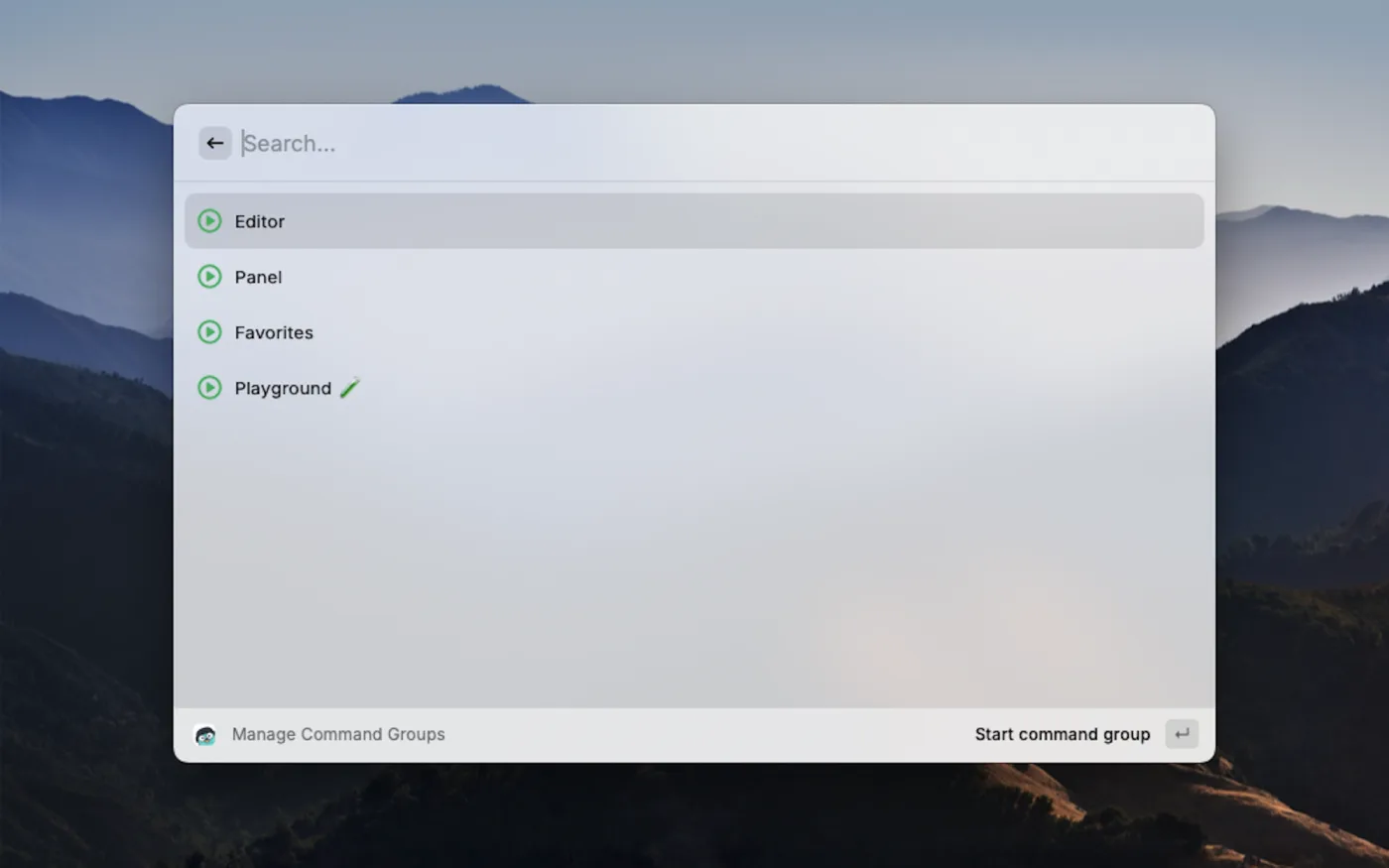
Cleared for launch.
Free and open source under GPL-3. The app updates itself from here on, so this is the only download you need.
macOS
v1.9.0The macOS build is not signed yet (the Apple certificate costs $100 a year). After installing, clear the quarantine flag once:
sudo xattr -d com.apple.quarantine /Applications/gomander.appWindows
v1.9.0Linux
v1.9.0Other builds and release notes on GitHub Releases. Commands that need a full TUI, like ngrok’s dashboard, are not supported yet.